MerchPIM is now live: AI-powered product information manager to manage, validate, and enrich Shopify product data at scale.

How To Prevent Overselling On Etsy When Using Shopify

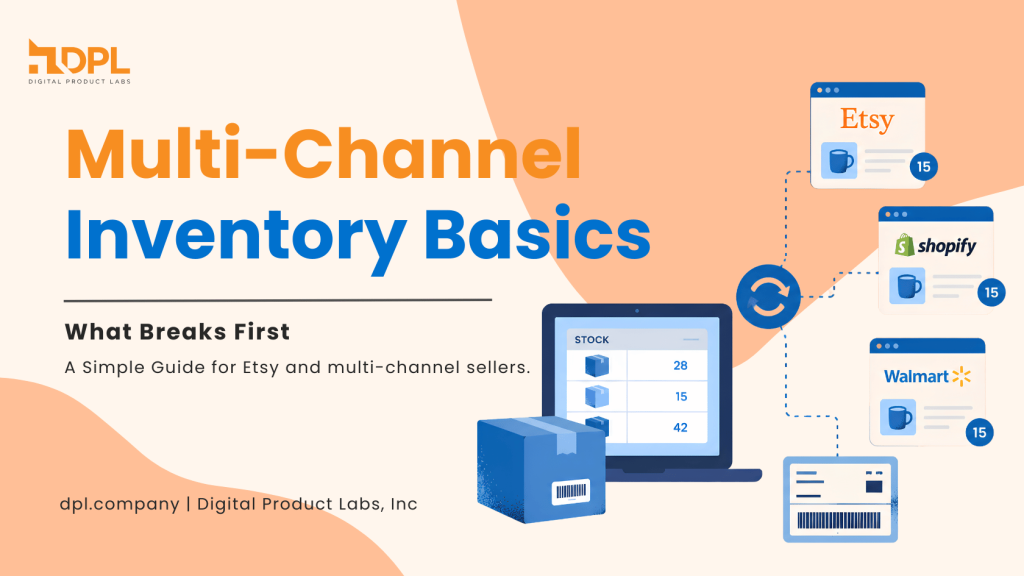
Managing inventory across Shopify and Etsy often leads to costly overselling when stock updates lag. This multi-channel e-commerce guide breaks down why stock levels drift and offers three practical inventory workflows: the Buffer Method, Single Source of Truth, and automated sync rules to eliminate backorders and customer apologies.

June 2, 2026

7 min read

If you sell on Etsy and Shopify at the same time, you have probably had that sinking feeling: an order comes in, you go to pack it, and the item is gone. Now you are writing a message you never wanted to write, offering a delay, a swap, or a refund.

That mess usually starts with over selling. It is not about being careless. It is about two storefronts trying to sell the same item, while your inventory updates lag behind real life. When things get busy, even a “small” delay turns into “How did we sell four units when we only had two?”

If you are noticing this more as you grow, it helps to read why Etsy sellers oversell as they scale, because the root causes are often the same across shops. You can use the buffer method, a single source of truth, or automation to prevent overselling on Etsy when using Shopify.

What Over-Selling Looks Like In Real Life

Most sellers imagine over selling as a rare mistake, like dropping a plate once in a while. In a multi-channel shop, it can feel more like juggling oranges while someone keeps tossing you extra oranges.

Here are common signs:

If you relate to any of that, you are not alone. The fix is not “work harder.” The fix is picking a workflow that fits your shop today, and then sticking to it.

Why This Happens With Shopify and Etsy

When you run Shopify and Etsy together, both platforms can sell the same SKU within minutes of each other. If your stock numbers do not update quickly and consistently, both platforms think stock is still available, and both accept orders.

This is the exact scenario behind avoiding overselling inventory across multiple channels selling. It is a timing issue plus a “source of truth” issue. If Etsy thinks Etsy controls stock, and Shopify thinks Shopify controls stock, you end up with two bosses giving opposite instructions.

The solution is to pick one way of working, then build habits around it so the numbers stop drifting.

The Three Workflows That Actually Work

Below are three practical workflows to prevent overselling on Etsy when using Shopify. None of them is perfect. Each one is useful for a specific stage of growth. The right choice depends on how many orders you get, how often you restock, and how much time you can spend updating stock.

Workflow 1: The Buffer Method (Simple And Surprisingly Effective)

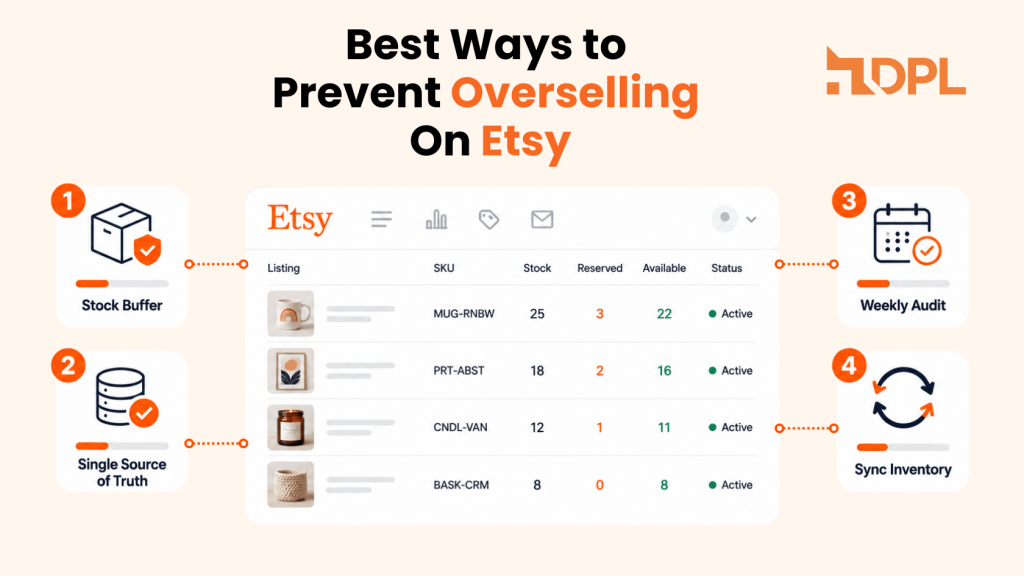
Prevent over selling on Etsy when using Shopify with the buffer method - DPL

This one is basic, but it works well for newer multi-channel sellers.

How it works:

Why it helps:

Where it struggles:

This workflow is a good starting point if your shop is still manageable and you want fewer “sorry” messages right away.

Workflow 2: The Single Source Of Truth (Cleaner, More Stable)

Using source of truth when selling on Etsy and Shopify - DPL

This method is for sellers who want clarity and repeatability.

How it works:

Why it helps:

Where it struggles:

This is where many sellers start looking into integrations to prevent overselling and reduce backorders because a stable source of truth becomes much easier when updates are automatic instead of manual.

Workflow 3: Automation With Rules (Best For Growing Shops)

Automation for multi-channel selling - DPL

If you are doing steady volume, automation is often the difference between “scaling feels fun” and “scaling feels like constant cleanup”.

How it works:

Why it helps:

Where it struggles:

If you already know you want a system designed to stop overselling on Etsy, this is usually the direction you are moving toward.

How To Choose The Right Workflow For Your Shop

A quick way to choose is to look at your weekly “inventory pressure.”

Pick the Buffer Method if:

Pick a Single Source Of Truth if:

Pick Automation With Rules if:

Many sellers start with buffers, then move to source-of-truth thinking, then automate once the shop hits a point where manual syncing starts breaking.

The Hidden Cause: Inventory Mismatch And Dirty Data

manage inventory to prevent overselling on Etsy when using Shopify - DPL

Sometimes overselling is not only about timing. It can also come from an inventory mismatch.

Examples:

  • The Etsy listing has a quantity of 10 and the Shopify product has a quantity of 6.
  • Two Etsy listings accidentally share the same SKU.
  • A variation has its own stock, but it is treated like shared stock.
  • A “sold out” item still shows as available on one channel.

“Is There A Free Way To Integrate Etsy With Shopify?” And What To Expect

A question that comes up often is, “Is there a free way to integrate Etsy with Shopify?’’

In practice, “free” usually means one of these:

If you have a very small catalog and a few orders a week, a manual routine can be enough for a while. If you are scaling, the “free” option often becomes expensive in a different way: refunds, delays, customer support, and stress.

A better question is: “What is the cheapest reliable method for my stage of growth?” For many sellers, reliability matters more than “free” once the shop gets busy.

A Practical Checklist To Reduce Over Selling This Week

If you want quick wins without rebuilding everything, start here:

If you relate to any of that, you are not alone. The fix is not “work harder.” The fix is picking a workflow that fits your shop today, and then sticking to it.

Shopify Etsy App

Stop Juggling Inventory Manually

If your shop has outgrown spreadsheets and manual updates, it’s time to secure your storefronts. Etsy Integration ‑ DPL provides real-time inventory and product synchronization, automated order fulfillment handling, and 24/7 live chat support to ensure you never have to send an "out of stock" apology email again.

FAQs On Preventing Overselling When Using Shopify

The most common causes are delayed stock updates, an unclear source of truth, and mismatched SKUs across listings. This gets worse as order volume increases.

A buffer method plus a weekly stock check can work for small catalogs. Once volume increases, manual methods often start slipping during busy days.

Both platforms can sell the same item within minutes, and each platform assumes its stock number is correct. Without a clear sync workflow, the numbers drift and mistakes multiply.

For very small shops, manual updates can be a “free” option, but it costs time and becomes risky as you scale. Long-term stability usually needs a more reliable system.

They cut risk a lot, but clean data still matters. If SKUs are duplicated or quantities are wrong, syncing can spread the problem faster instead of fixing it.

Conclusion

Preventing over selling is less about finding a magic trick and more about choosing a workflow that matches your shop’s reality. If your catalog is small, buffers can buy you breathing room. If you want stability, a single source of truth makes your inventory feel sane again. If you are scaling and selling daily, automation with clear rules is often what turns multi-channel selling from stressful to steady.

Pick one approach, apply it consistently for a couple of weeks, and you will feel the difference in fewer refunds, fewer awkward messages, and a shop that runs with less drama.

Related Post

Why Etsy sales slow down after 200 listings - DPL

Why Etsy Sales Stall at 200-500 Listings

Reaching 200 listings feels like progress. Hitting 500 feels like real scale. Yet this is the range where many sellers notice something frustrating. Traffic may grow a little, but Etsy sales stop rising the way they used to. And you start asking, ‘why Etsy sales slow at 200 listings?‘ At first, you think it is […]